SoftCars
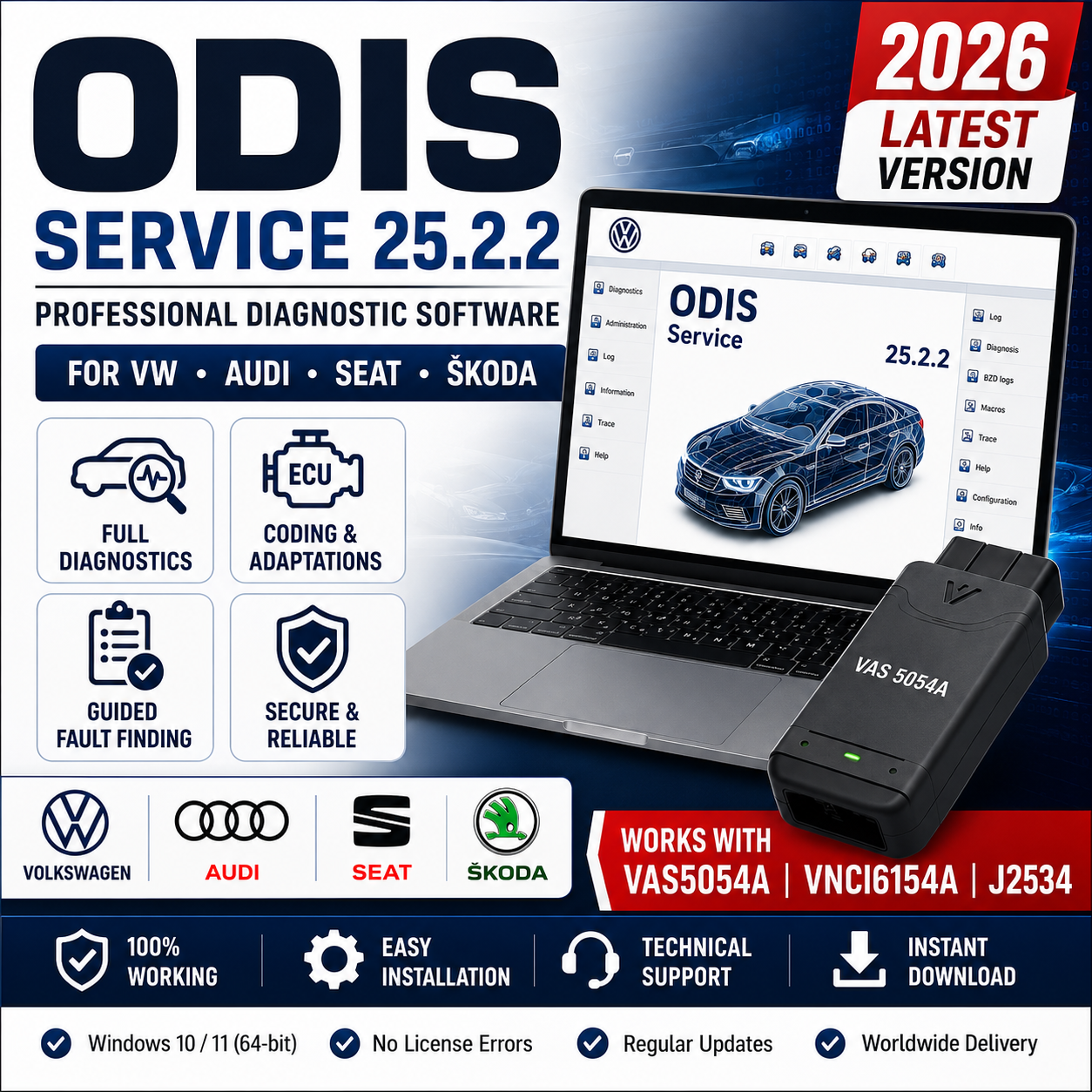
ODIS Service 25.2.2 Diagnostic Software for VW Audi Seat Skoda | Instant Download + Video Installation Guide 🚗🔧
ODIS Service 25.2.2 Diagnostic Software for VW Audi Seat Skoda | Instant Download + Video Installation Guide 🚗🔧
Couldn't load pickup availability
ODIS Service 25.2.2 for dealer-style diagnostic software for VAG applications.
This version is intended for users who want to review the release details, compatibility notes, and setup requirements before choosing the file for their workflow.
Quick Information
- Version: 25.2.2
- Brand: VAG
- Category: Diagnostic Software
- Main workflow: Dealer-style diagnostics, Guided Fault Finding, self-diagnosis, control unit access, and service functions
What This Version Is For
This version is suitable for users who need official-style VAG diagnostics and service workflow support in a workshop, garage, or technical diagnostic environment.
- Workshops servicing Volkswagen, Audi, Skoda, and Seat vehicles
- Technicians who need Guided Fault Finding and structured diagnostic procedures
- Users performing module diagnosis, service functions, and fault code analysis
- Advanced users preparing a VAG dealer-style diagnostic setup
Key Use Cases
Depending on the software type and release scope, this version may be used for one or more of the following tasks:
- Guided Fault Finding for supported VAG diagnostic workflows
- Read and clear fault codes across vehicle control units
- Access self-diagnosis and component diagnosis functions
- Use service-related procedures and workshop test plans
- Support flashing and measuring equipment workflows where properly configured
Compatibility and Interface Notes
Compatibility can vary depending on the selected version, interface type, driver environment, and intended workflow.
- ODIS Service 25.2.2 is intended for Volkswagen Group diagnostic environments
- Interface support depends on your configured VCI, passthru environment, and installed drivers
- Some workflows may require compatible VAS hardware or properly configured J2534 support depending on setup
- Function coverage can vary by vehicle generation, protocol, and diagnostic configuration
Always review the notes on this page carefully before download, especially if your setup depends on a specific diagnostic interface, passthru device, activation method, or supporting utility.
System Requirements
Requirements can vary by version, but users should confirm that their environment is suitable before use.
- Operating system: Windows 10 or Windows 11 64-bit
- Storage: SSD recommended with enough free space for installation and diagnostic data
- Memory / hardware: At least 8 GB RAM, modern multi-core CPU recommended
- Drivers / utilities: Correct VCI drivers, passthru drivers if used, and required Microsoft components
- Internet / activation note: Internet may be needed depending on setup method, updates, activation, or supporting tools
Installation and Setup Notes
For better stability and smoother installation, this version should be used in a clean and well-prepared system environment.
- Use a clean Windows installation to reduce software conflicts
- Install required drivers and dependencies before connecting your diagnostic interface
- Disable unnecessary background tools that may interfere with setup or interface detection
- Review interface compatibility and version-specific notes before starting installation
Before You Download
Please review the version details carefully before downloading, as requirements and compatibility may vary between releases.
- Verify your Windows environment, storage, drivers, interface, and supporting tools before use
- Review the compatibility notes on this version page carefully
- Use a clean and stable setup environment for better results
Share