SoftCars
ODIS Engineering 21.0.1 (2026) | ECU Flashing, Long Coding & Parameterization + Video Installation Guide 🚗🔧
ODIS Engineering 21.0.1 (2026) | ECU Flashing, Long Coding & Parameterization + Video Installation Guide 🚗🔧
Couldn't load pickup availability
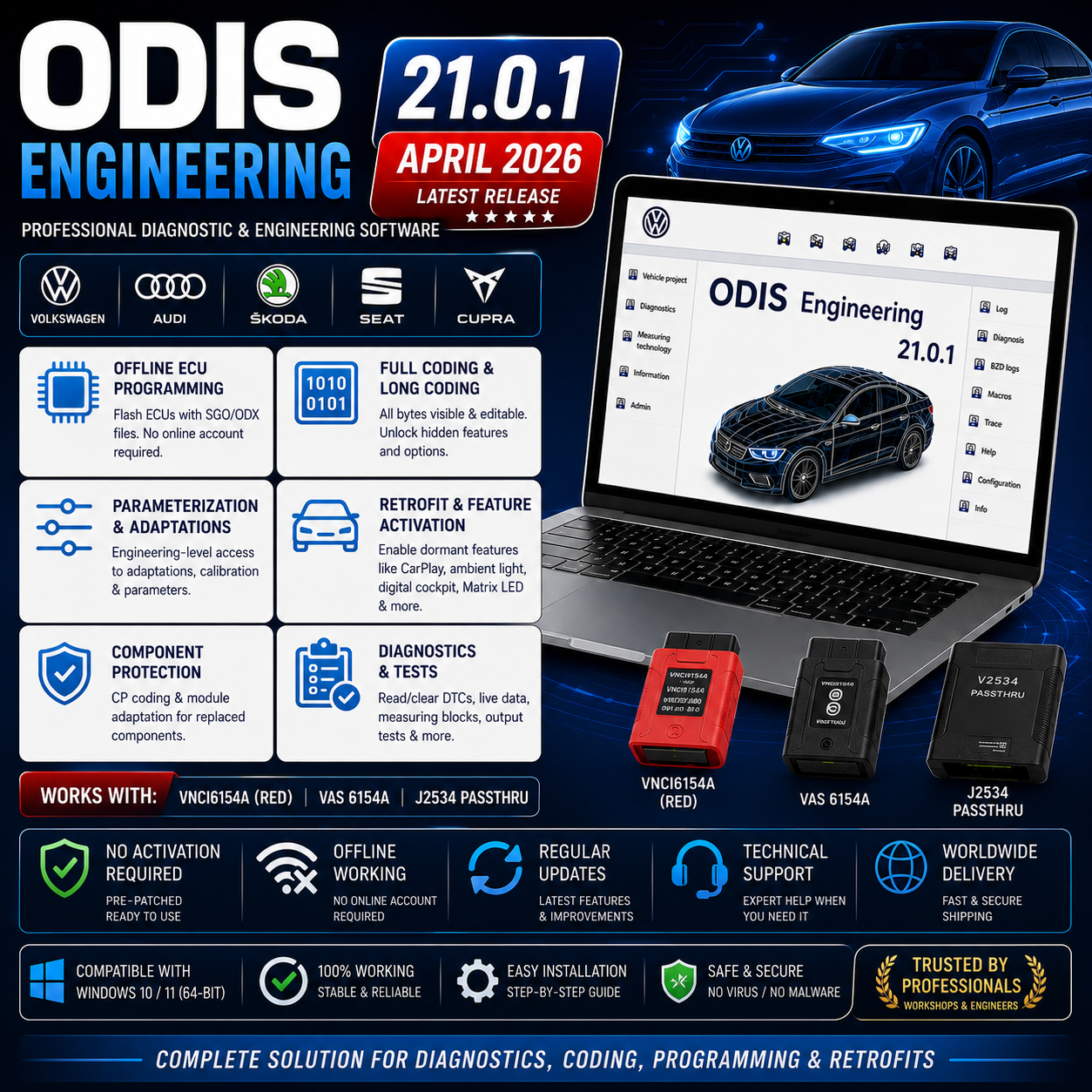
ODIS Engineering 21.0.1 (April 2026) is the latest release of Volkswagen Group's ODIS Engineering platform — the engineering-level diagnostic and programming tool that provides capabilities beyond what ODIS Service can perform. Pre-patched and requiring no activation, ODIS Engineering 21.0.1 enables offline ECU programming and flashing, full variant coding and long coding access, parameterization, and all advanced module operations on the complete VAG vehicle range. It works with VNCI6154A, VAS 6154A, and compatible J2534 PassThru devices.
- Version: 21.0.1 (April 2026 — latest ODIS Engineering release)
- Brand: VAG (VW, Audi, Skoda, Seat, Cupra, Bentley, Lamborghini)
- Category: Engineering Software
- Activation: Pre-patched — no activation required
- Interface: VNCI6154A (red), VAS 6154A, J2534 PassThru devices
- OS: Windows 10 or Windows 11 (64-bit)
- Online account: Not required for most operations
What ODIS Engineering Is For
ODIS Engineering (ODIS-E) is the factory development and engineering version of ODIS — originally used by VW Group engineers during vehicle development, it is now widely used by independent workshops and specialists for operations that ODIS Service either restricts or requires online authorization to perform. The key difference is autonomy: ODIS-E puts the technician in direct control of ECU programming and coding without requiring online server validation for most operations.
- Independent workshops that perform retrofits and feature activations — ambient lighting, wireless CarPlay/Android Auto, digital cockpit, lane assist, Matrix LED, parking sensors, and other features that require ODIS-E engineering mode to unlock
- Technicians performing offline ECU programming — updating or reflashing ECU software without needing an online VAG account or SVM server connection
- Specialists replacing and coding modules — component protection coding, adaptation of used modules, and operations where ODIS-S would require online authorization
- Tuning and motorsport workshops — installing custom calibration files, enabling normally restricted coding options, performance-related module configuration
- Any VAG workshop that runs ODIS Service and needs the complementary engineering tool for the jobs that ODIS-S cannot handle independently
ODIS Engineering vs ODIS Service — Complete Comparison
- Guided Fault Finding (GFF): ODIS-S only — ODIS-E does not include GFF test plans. For guided troubleshooting, use ODIS Service.
- Fault code reading and clearing: Both — ODIS-E provides direct ECU communication for DTC access without the GFF wrapper.
- Live data / measuring blocks: Both — ODIS-E provides engineering-level parameter access.
- Offline ECU flashing: ODIS-E only — load SGO/ODX flash files directly and program ECUs without online server authorization. ODIS-S requires SVM server connection for ECU programming.
- Full variant coding / long coding: ODIS-E only — all coding bytes visible and editable. ODIS-S restricts certain coding channels and requires online access for others.
- Parameterization: ODIS-E — direct write access to adaptation channels and parameterization routines that ODIS-S hides or restricts.
- Online SVM programming: ODIS-S — requires VAG dealer network account. ODIS-E can perform offline flashing instead.
- Online account required: ODIS-S for SVM/GeKo. ODIS-E — not required for most operations.
- Retrofit and feature activation: ODIS-E — enables dormant function bytes in MIB3 infotainment, ambient lighting modules, comfort systems. VCDS, Autel, and OBD Eleven cannot perform these operations on current MQB Evo platforms.
Key Functions — ODIS Engineering 21.0.1
- Offline ECU programming and flashing: Load SGO (Software Group Object) or ODX calibration files from local storage and flash them directly to any supported ECU — no online server connection required. Supports firmware upgrade and downgrade. Essential for ECU software updates when a VAG online account is not available.
- Flash tip — disable version control: For full flash flexibility including firmware downgrades, navigate to Administration → Function Configuration → Flashing Engineering → disable version control and disable the UDS firmware session. This removes server-side version restrictions from flash operations.
- Full variant coding and long coding: Direct access to all coding bytes in every ECU — all channels visible and editable including those grayed out in ODIS-S. Enables feature activation at the byte level for all VAG Group vehicles.
- Parameterization: Write engineering-level parameters to modules — configure adaptation tables, threshold values, and calibration data that routine ODIS-S adaptations do not expose.
- Retrofit feature activation: Enable factory-dormant features through direct ECU coding — ambient lighting, wireless Apple CarPlay and Android Auto, digital cockpit display activation, lane departure warning, Matrix LED headlight animation, electric seat memory, and many other dormant but hardware-present features on MQB, MQB Evo, and MEB platform vehicles.
- Component protection operations: Handle component protection (CP) coding on replacement modules using ODIS-E's direct coding access — available for many operations without requiring online CP portal access.
- Fault code read and clear: Direct DTC access across all ECUs without GFF routing — faster for quick scans and specific module access.
- Measuring blocks and live data: Engineering-level parameter access including extended measuring blocks not visible in ODIS-S.
- Output tests: Component activation and system tests across all accessible modules.
- Project file workflow: ODIS-E works with project files — connect to vehicle, read the vehicle project (ECU inventory and software state), perform coding/programming operations, and save the modified project.
What ODIS Engineering Cannot Do
- Guided Fault Finding (GFF): Not available — GFF is exclusive to ODIS Service
- Online SVM programming: ODIS-E does not connect to SVM servers — offline flashing is the alternative
- Immobilizer operations: Security-related immobilizer functions remain locked even in ODIS-E
- Key programming: Not a function of ODIS-E — requires dealer network access
- Offline switch: The offline switch is not included in this package — must be obtained separately if required for specific offline workflows
Vehicle Coverage
ODIS Engineering uses the same vehicle communication database as ODIS Service — identical brand and model coverage:
- Volkswagen: All models — Golf Mk3 through Mk8, Passat B5–B8, Tiguan, Polo, Touareg, ID.3/4/5/7, T-Roc, Arteon, Touran, all VW Commercial
- Audi: All models — A1 through A8, Q2 through Q8, TT, R8, e-tron range, Q4 e-tron
- Skoda: Fabia, Octavia, Superb, Kodiaq, Karoq, Enyaq, Kamiq, Scala
- Seat / Cupra: Ibiza, Leon, Ateca, Arona, Tarraco, Cupra Born, Formentor, Leon, Ateca
- Bentley, Lamborghini, Bugatti: ODIS-supported models
Hardware Compatibility
- VNCI6154A (red variant) — confirmed compatible: The red VNCI6154A is specifically confirmed compatible with ODIS Engineering 21.0.1. This is the recommended third-party interface for ODIS-E use.
- VAS 6154A — confirmed compatible: Original and compatible VAS 6154A interfaces work with ODIS-E 21.0.1. Required for DoIP programming on MEB/MQB Evo vehicles.
- J2534 PassThru devices — supported: Compatible J2534 interfaces can be used with ODIS Engineering. Note: most J2534 devices do not support ignition detection required for full ECU programming sequences. For programming operations, VAS hardware is recommended.
- VAS 5054A — limited: VAS 5054A has reduced compatibility with ODIS Engineering 21.0.1 — it may work for basic diagnostics but is not reliable for ECU flash operations in this version.
- Important — ignition detection: Full ECU programming in ODIS-E requires interface hardware that supports ignition (terminal 15) detection. Without this, the programming sequence cannot verify vehicle ignition state and may abort. VAS-family devices support this; most J2534-only devices do not.
What You Need Before You Start
- Compatible VCI interface — required: VNCI6154A (red), VAS 6154A, or J2534 PassThru device. For DoIP vehicles and ECU programming, VAS 6154A or VNCI6154A strongly recommended.
- Operating system: Windows 10 or Windows 11 (64-bit). Windows 7 not supported.
- ODIS Service installed (recommended companion): ODIS-E does not include GFF — for a complete VAG diagnostic environment, install ODIS Service 25.3.0 alongside ODIS Engineering 21.0.1. Both can be installed on the same Windows system.
- Flash files (SGO/ODX): For ECU programming, the correct calibration files for the target vehicle and ECU must be available locally — ODIS-E does not download them from a server automatically in offline mode.
- C drive free space: Allow sufficient space for ODIS-E installation and project file storage.
- Battery support: Mandatory during any ECU flashing session.
- No activation required: This package is pre-patched — no keygen, activation file, or server connection needed for the software to run.
System Requirements
- OS: Windows 10 or Windows 11 (64-bit)
- Processor: Intel Core i5 or better
- Memory: 8 GB RAM minimum — 16 GB recommended for programming sessions
- Storage: Sufficient free space for installation and project files
- Interface: VNCI6154A red / VAS 6154A / J2534 PassThru
- Activation: None required — pre-patched
- Internet: Not required for most operations
- Battery support: Required during ECU programming
Installation and Setup Notes
- Disable antivirus before extraction and installation — add ODIS-E directory to exclusions after setup
- Run installer as administrator
- No activation step required — the patch is already applied in this package. Launch ODIS Engineering directly after installation
- Install VCI drivers before first launch — VNCI6154A or VAS 6154A drivers must be installed and the device recognized in Windows Device Manager
- Flash configuration (important for ECU programming): Before performing ECU flash operations, navigate to Administration → Function Configuration → Flashing Engineering → disable version control → disable UDS firmware session. This removes version restrictions that prevent firmware downgrades and enables full flash flexibility.
- Project workflow: Connect VCI → launch ODIS-E → New Project → connect to vehicle → read vehicle project → perform coding/programming → save project
- Offline switch note: The offline switch is not included in this package. If you require the offline switch for specific workflows, it must be obtained separately.
- ODIS-E and ODIS-S coexistence: Both applications can be installed on the same Windows 10/11 system — they do not conflict with each other and share the VCI hardware.
Before You Download
- You work on VAG Group vehicles and need offline ECU programming, full coding, or retrofit capability beyond what ODIS Service provides
- You have a VNCI6154A (red), VAS 6154A, or compatible J2534 PassThru interface
- Your system runs Windows 10 or Windows 11 64-bit
- You understand the offline switch is not included — obtain separately if required
- For guided diagnostics (GFF).
Share